R4.9 Released - The Level Editor Moves Into the Game, Plus Spanish & French
The September 2026 update R4.9 - September 2026 for “The Dungeon - Get Out” and the corresponding Level Editor is now officially released!
This one is less about new things to find in the maze and more about where the maze itself comes from. For years the Level Editor has been a separate companion app: build a dungeon there, export it, import it into the game, go and play. As of this release that round trip is gone — the editor lives inside the game. Along the way the editor got a completely new interface, and the game learned two new languages.
The Level Editor Moves Into the Game
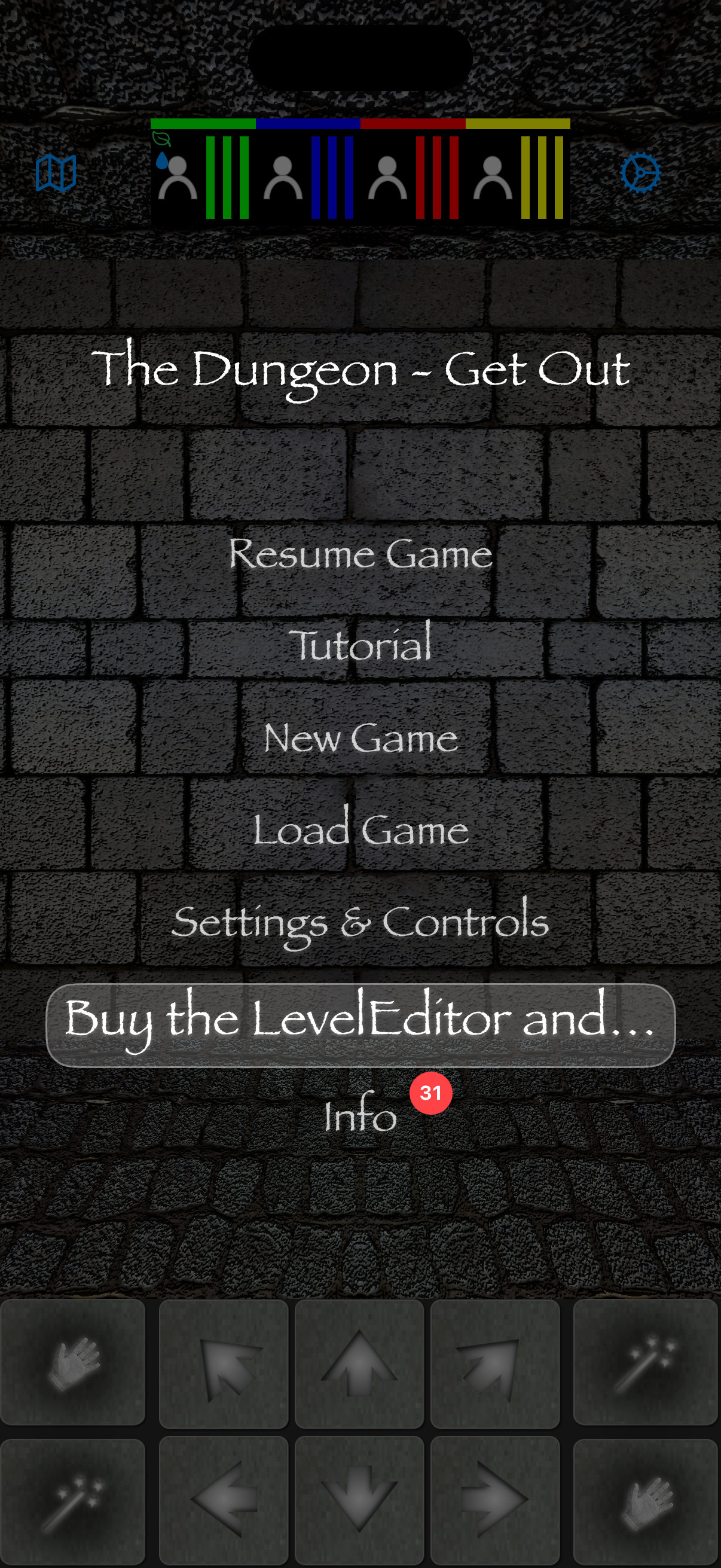
The main menu has a new entry. Tap it and the full Level Editor opens right there in the game — the same level pack list, the same map editor, the same tile, monster and item tools you know from the standalone app. Design a pack with several levels, place monsters, items, doors, switches, traps and triggers, then step straight into your creation and play it, without ever leaving the app. Once you own it, the button simply becomes Level Editor and takes you there directly.
Level packs still travel as .etdm files, so sharing works exactly as before: export a pack from the built-in editor and hand it to a friend, or import one that somebody else made.
One Purchase, No Subscription
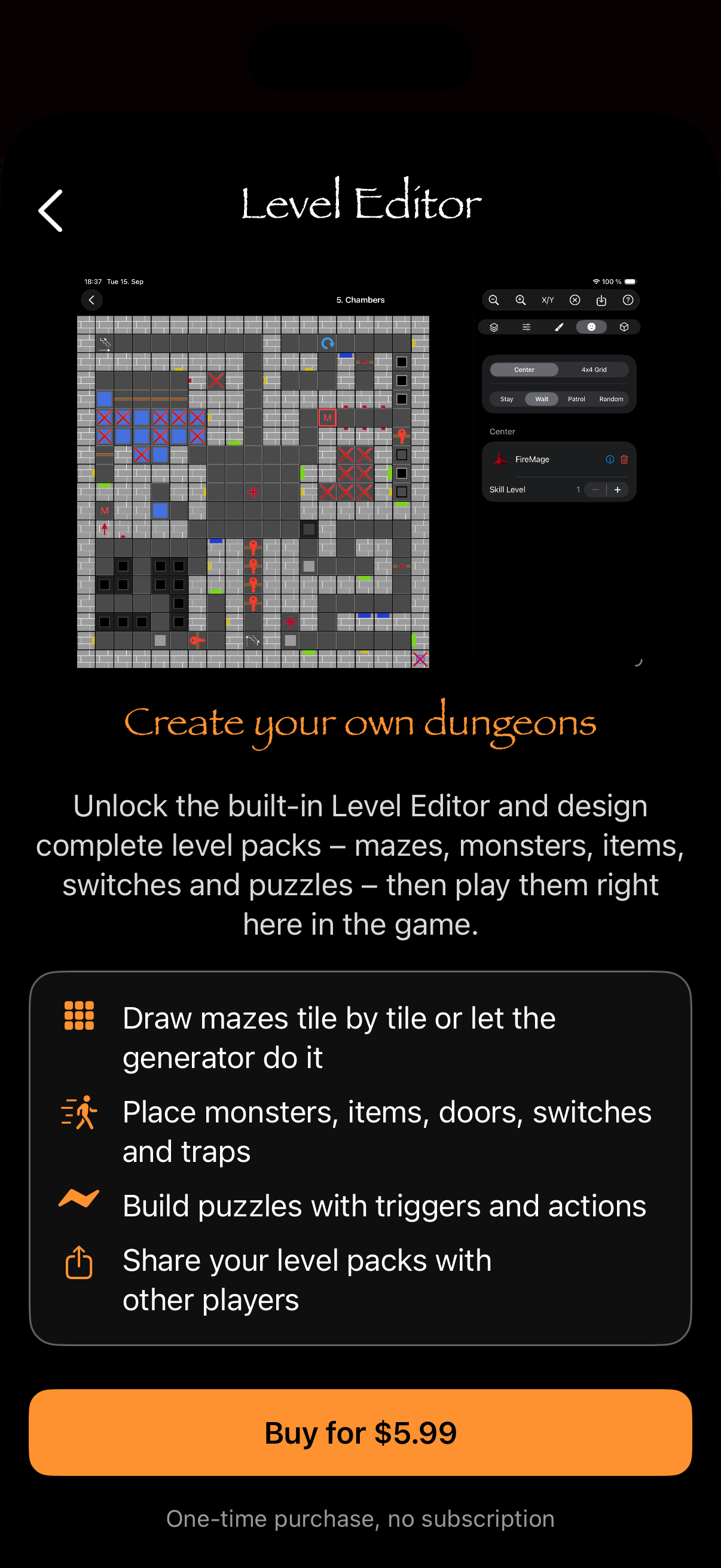
The built-in editor is unlocked with a single in-app purchase — a one-time buy, no subscription, restorable on every device signed in with the same Apple account. The purchase screen shows what you get: draw mazes tile by tile or let the generator do it, place monsters, items, doors, switches and traps, build puzzles with triggers and actions, and share your level packs with other players.
The game itself stays free to download and play, as it always has been. The purchase is only for those who want to build.
A Completely Reworked Editor
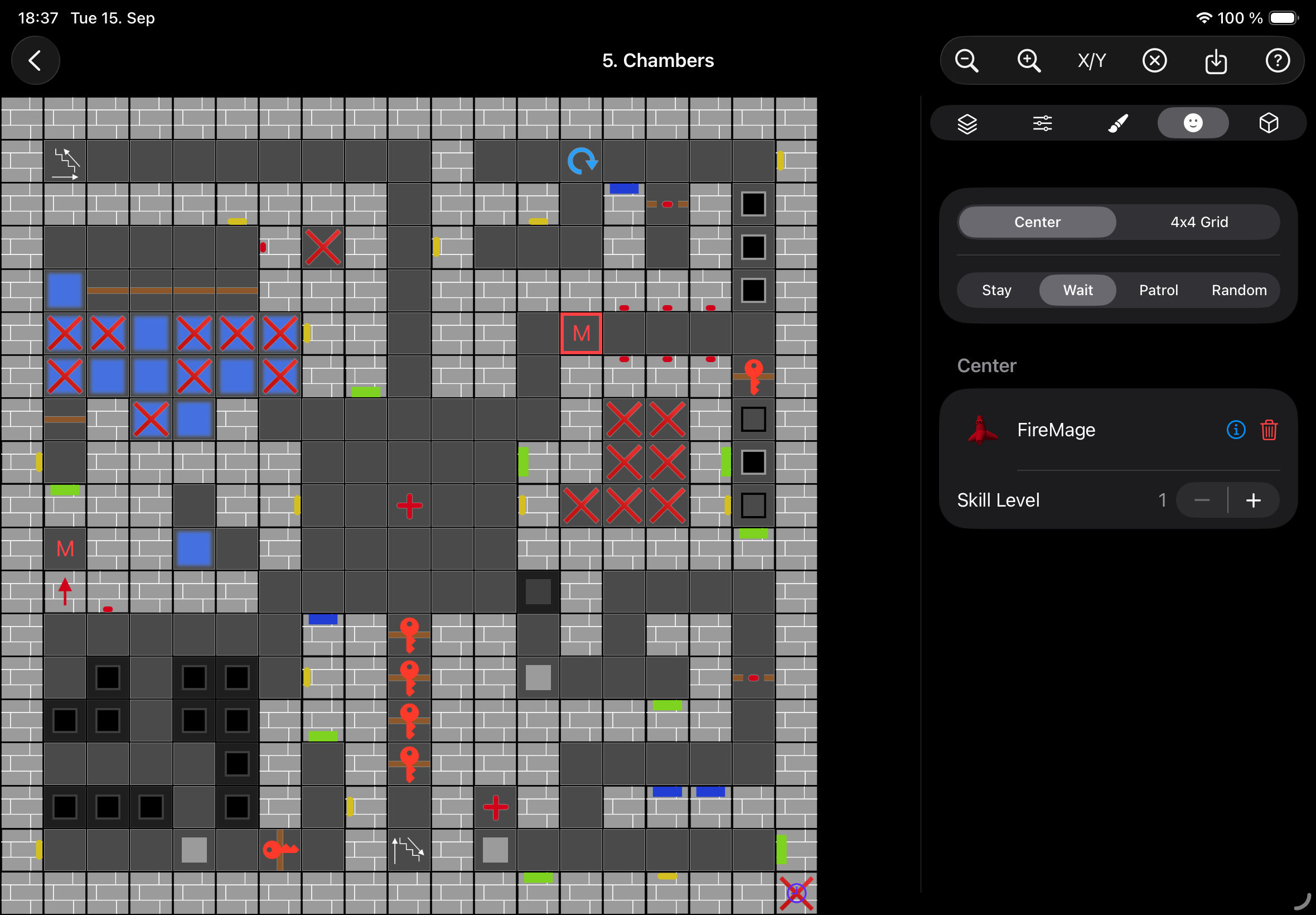
Building the editor into the game meant rebuilding it, and that is what this release delivers on both sides. Every screen of the Level Editor — the start page, the level pack overview, the level editor itself, the tile and trigger inspectors, the monster and item editors — has been rebuilt from the ground up. The map sits on the left, a sidebar with the tools on the right, and the inspectors switch between settings, textures, monsters and items with a single tap. Pickers are sheets, edits apply immediately, and the whole thing finally feels like one app rather than a stack of forms.
The standalone Level Editor app ships this same reworked interface and has exactly the same features as the built-in version. Both are fully supported, and level packs move between them as .etdm files, so nothing you have built anywhere is going to be stranded. Use whichever fits how you work: the standalone app if you like keeping building and playing separate, or — for a more integrated experience, editing and playing your dungeons in one place without switching apps — the embedded editor in the game.
Spanish and French
The game now speaks Spanish and French in addition to English and German. Menus, dialogs, item and spell names, the tutorial and the in-game texts are all translated, and the App Store listing follows in all four languages. If your device is set to one of them, the game picks it up automatically.
And as usual, both the game and the editor come with a round of stability improvements and bug fixes — the kind you should not notice, because things simply keep working.
Thank you for playing! More adventures await in the maze. Development is still ongoing — stay tuned for the next updates!

Download the Game
Download the Level Editor