Level Editor Tutorial Now Complete!
Great news for dungeon creators! The tutorial for the Dungeon Level Editor is finally complete and available to everyone.
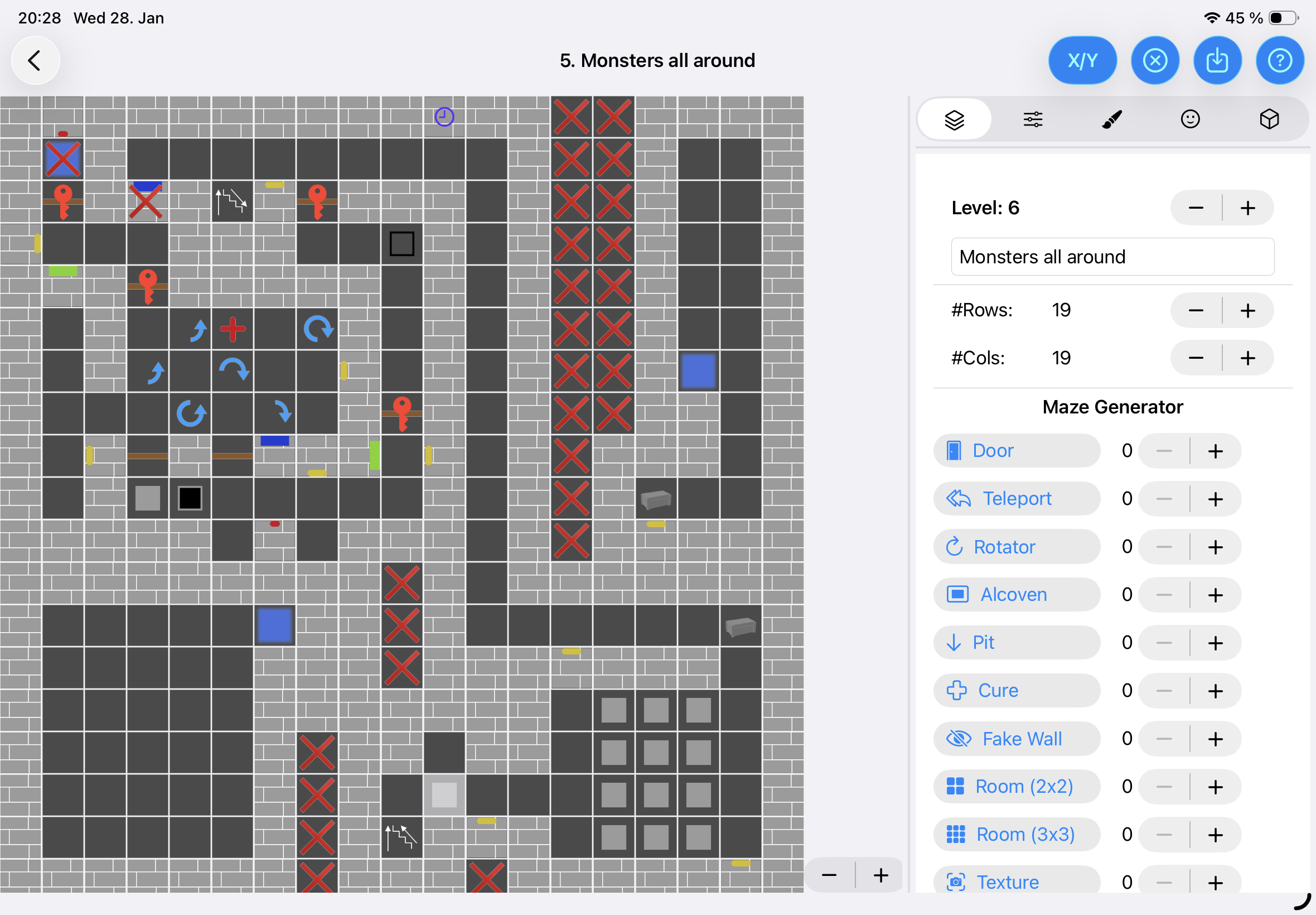
The tutorial is integrated directly into the editor - simply open it from within the app, and the relevant help page will be displayed based on what you’re currently working on. This context-aware help system makes it easier than ever to learn the editor’s features exactly when you need them.
Comprehensive Documentation
The complete tutorial covers everything from basic level creation to advanced features:
- Creating and organizing levels, monsters, items, and languages
- Level crafting with the full suite of editing tools
- Tile placement, triggers, and action systems
- Monster behavior and skill levels
- Item customization with the tinting system
- Sharing and exporting your level packs
Create Your Own Dungeons
Design your own complex dungeons filled with intricate riddles, challenging monsters, valuable items, and powerful magic. The Level Editor gives you complete creative control to build exactly the dungeon experience you envision.
Whether you want to craft devious puzzles that test player ingenuity, create epic boss battles with custom monsters, hide secret treasures in maze-like corridors, or weave magical challenges throughout your levels - the possibilities are truly endless. You’re not just placing tiles and monsters; you’re architecting entire adventures that other players will explore and enjoy.
The best part? You can play your own creations immediately in “The Dungeon - Get Out” to see how your designs come to life. Iterate, refine, and perfect your dungeons until they’re exactly what you imagined.

Download the Game
Download the Level Editor