Tutorial - Share Level Packs
Sharing Your Level Packs
Once you’ve created an amazing dungeon experience, you can share it with other players! The Level Editor provides several ways to distribute your custom level packs.
Export Your Level Pack

To export and share your level pack:
- Open your level pack in the editor
- Click the Export button (the third icon in the top toolbar)
- Choose where to save your exported level pack file
- The editor will create a
.etdmfile containing all your levels, monsters, items, and settings
Sharing Methods
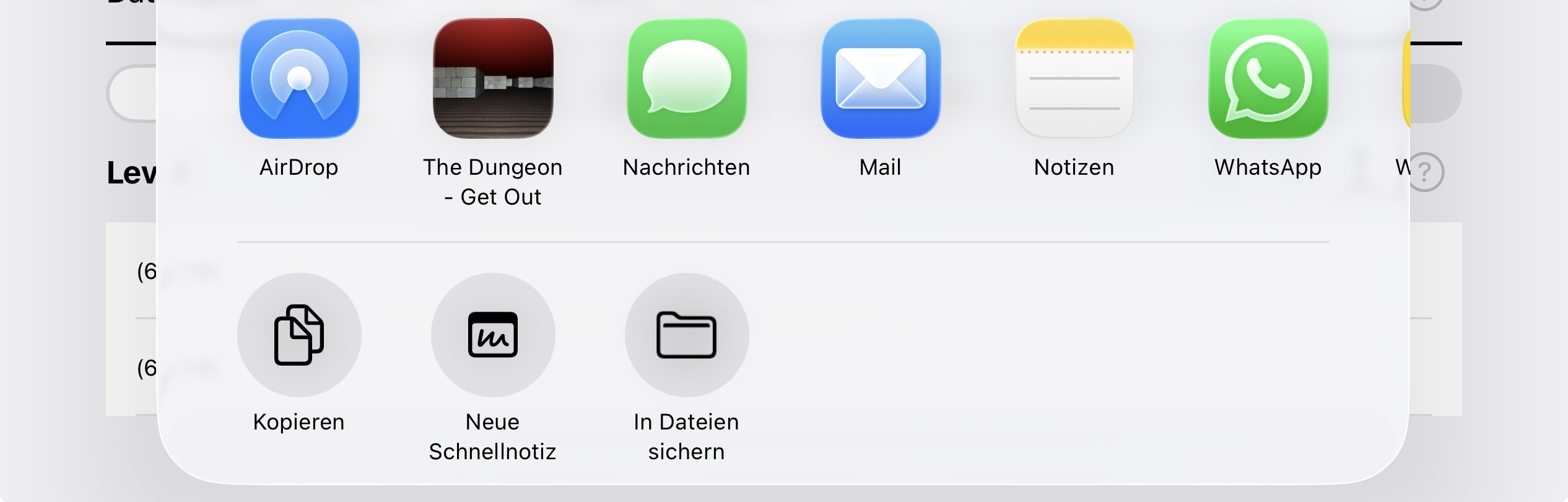
You can share your level pack using:
- Email: Send the
.etdmfile directly to friends - Local or iCloud Storage: Save to Files app for later access
- AirDrop: Share directly to nearby devices
Opening Shared Level Packs
When someone receives your .etdm file:
- Tap or open the
.etdmfile on their iOS/Mac device - The file uses Apple’s URL scheme mechanism to automatically launch “The Dungeon - Get Out”
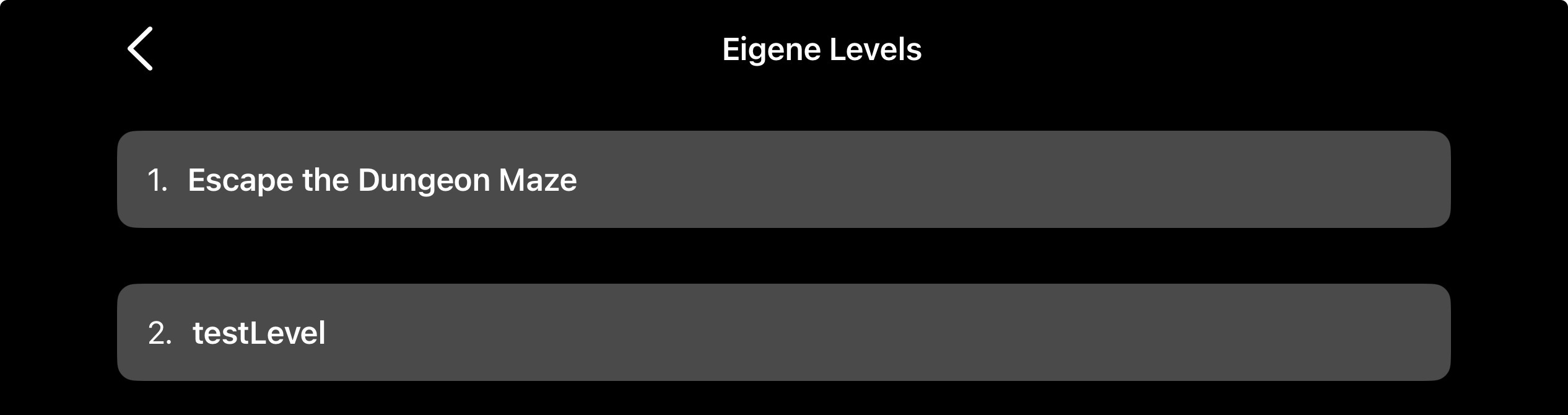
- The game will automatically import the level pack
- The imported levels will be ready to play immediately
- When you start a new game, you can select the new level pack
Players can also save the .etdm file and import it later by opening it whenever they’re ready.
Export to AppleTV or AppleWatch
Unfortunately both platforms have no files app or Airdrop. Therefore deploying is a little bit more complex:
- Import the levelpack on Mac, iPad or Iphone as described above.
- Start a new game for your levelpack
- Save the game and choose cloud as target (the switch top right)
- Open the game on AppleTV or Watch
- Load the game from cloud target
Import into editor
You can also import a levelpack into the level editor by touching the import button and choose the file in the files app.