Tutorial - Tiles, Triggers and Actions
Tile Settings

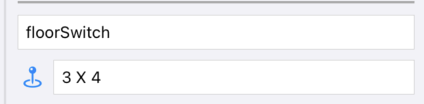
Selected Tile & Position:
Shows the selected tile type and position
Orientation
Uses to specify on which side for example a torch, an alcove, a fountain, a switch … is rendered

ActiveOpen / InactiveClosed state
For example for teleports, switches, pits, torches, …

Visibility
Is an element like a teleport visible or hidden. Hidden tiles can still be active. So a hidden switch can still teleport you to somewhere else.

Direction
Needed for special tiles like stairs to specify if the go up or down

Item:
Some tiles like a door with a key lock requires the use of a specific item to opem them

Torches shadow priority: R4.4
Torches have a property if they should cast shadows or not. Due to limitations of SceneKit the number of torches casting shadows is limited. The number is calculated during runtime, depending on platform and how modern the device is. You can specify up to 3 torches in the editor with a priority. Supported shadow torches per platform: Apple Watch: 0, Apple TV 0-1, Mac, iPhone, iPad: 0-3

Triggers & Actions
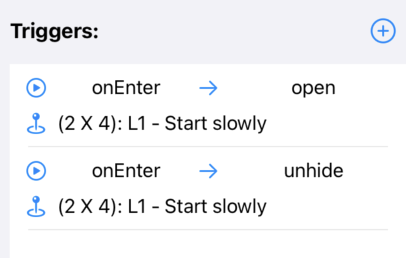
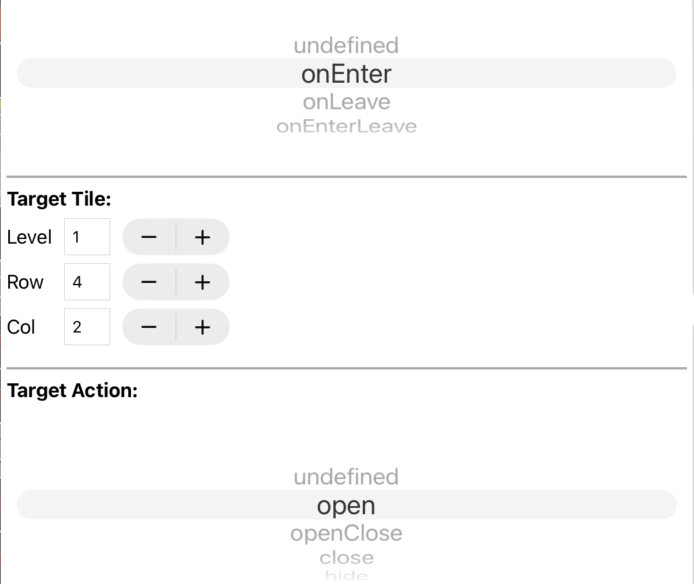
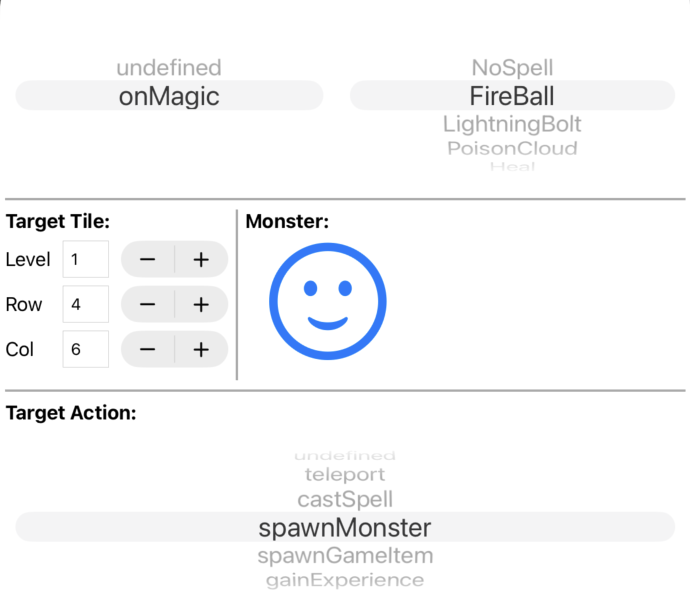
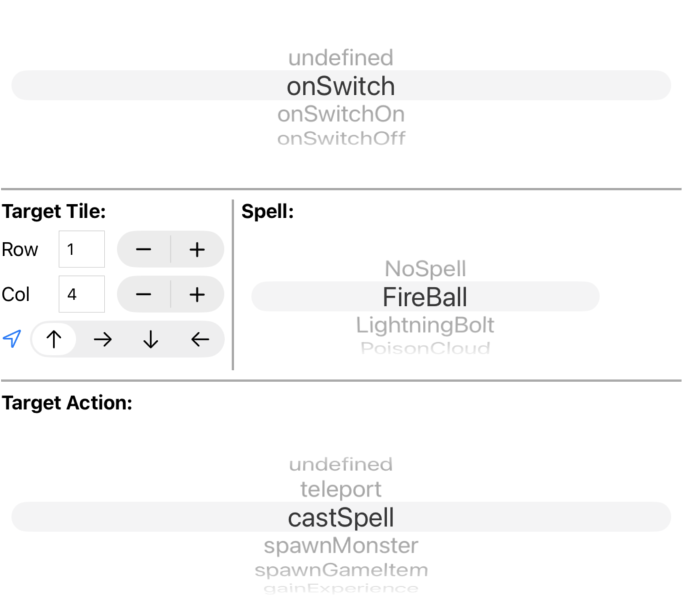
The main concept about adding traps, riddles or other dynamic content in the game is about triggers and actions. Triggers are events that occur at specific tiles and execute associated actions on the same or another tile. The available triggers and actions depend on the selected source and target tile. For example an on_enter trigger on a floor switch tile calls an open action on a door tile.
 |
 |
 |
 |
 |
Available triggers:
- onEnter: Fires when the player enters the tile
- onLeave: Fires when the player leaves the tile
- onEnterLeave: Fires both when entering AND leaving the tile (combination trigger)
- onSwitch: Fires when a switch on the tile is toggled (either on or off)
- onSwitchOn: Fires only when a switch on the tile is turned ON
- onSwitchOff: Fires only when a switch on the tile is turned OFF
- onAttacked: Fires when the tile is attacked by the player
- onGameItemUsed: Fires when a game item is used on the tile
- onGameItemDropped: Fires when a game item is dropped on the tile
- onGameItemCollected: Fires when a game item is collected/picked up from the tile
- onMagic: Fires when magic is cast on the tile
- onTimer: Fires after a specified timer delay (see timerDelayAvailable)
- onChestOpen: Fires when a chest on the tile is opened
- onChestClose: Fires when a chest on the tile is closed
Available Actions: (Actions that can be performed on a tile)
- teleport: Teleport action. Hero or game item will be teleported to the target position.
- openClose: If the tile is closed, it will be opened. If it is open, it will be closed.
- open: Open action. if the tile is closed, it will be opened. If it is open, it remains open.
- close: Close action. if the tile is open, it will be closed. If it is closed, it remains closed.
- hideUnhide: If the tile is hidden, it will be unhidden. If it is unhidden, it will be hidden.
- hide: Hide action. If the tile is visible, it will be hidden. If it is hidden, it remains hidden.
- unhide: Unhide action. If the tile is hidden, it will be unhidden. If it is unhidden, it remains unhidden.
- showWallText: Show a text on a wall. Text is specified in the wallText property of the tile.
- hideWallText: Hide a text on a wall. Text is specified in the wallText property of the tile.
- castSpell: A spell will be cast at the target position. The target psotition, the spell and for some spells like a fireball the direction must be specified
- spawnGameItem: A game item will be spawned at the target position. Target psotion and game must be selected.
- spawnMonster: A monster will be spawned at the target position. Target psotion and monster must be selected. Behavior is randomChaseRandom which means the monster is wandering around and chases you if you come too close.
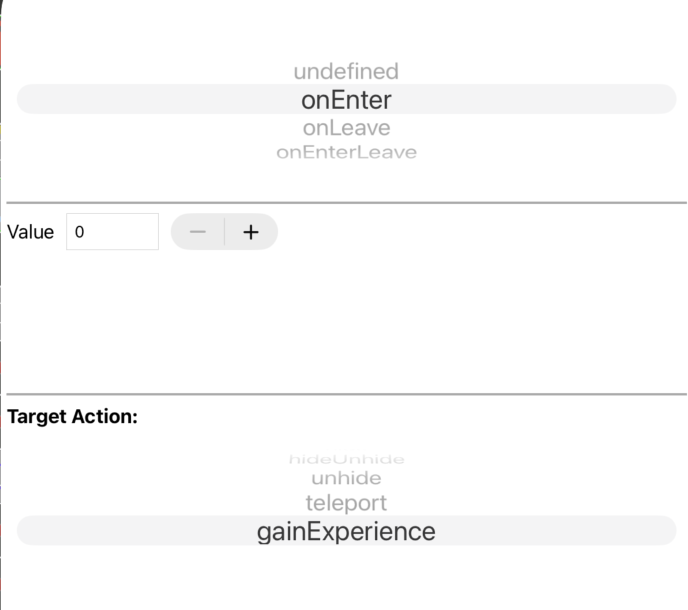
- gainExperience: Used to gain some extra experience points, for example if a riddle is completed. You have to specify the experience points which should be added. Keep in mind to deactive the trigger element (a floor switch or whatever). Otherwise the player could level up again and again.
Textures & Wall Text
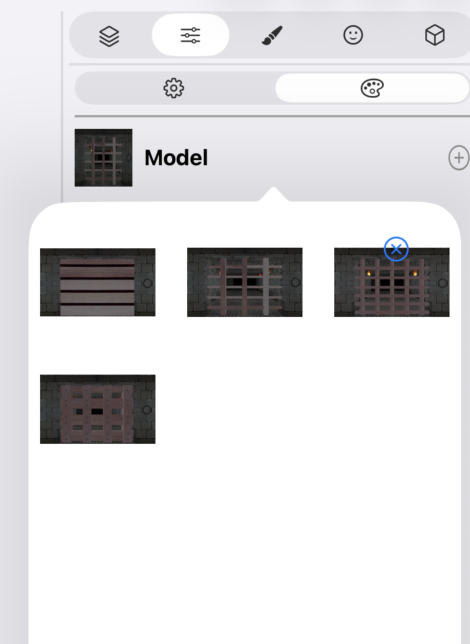
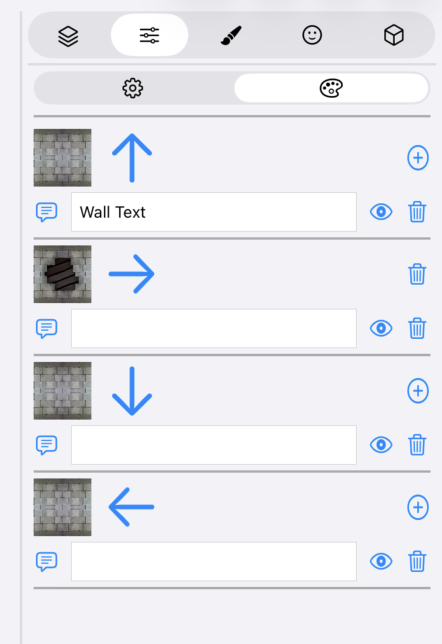
On some tiles, like doors you can select another texture. On other tiles like walls you can select textures per side and/or a wall text:
 |
 |