Tutorial - Add Monsters to a Level
Monster Positioning

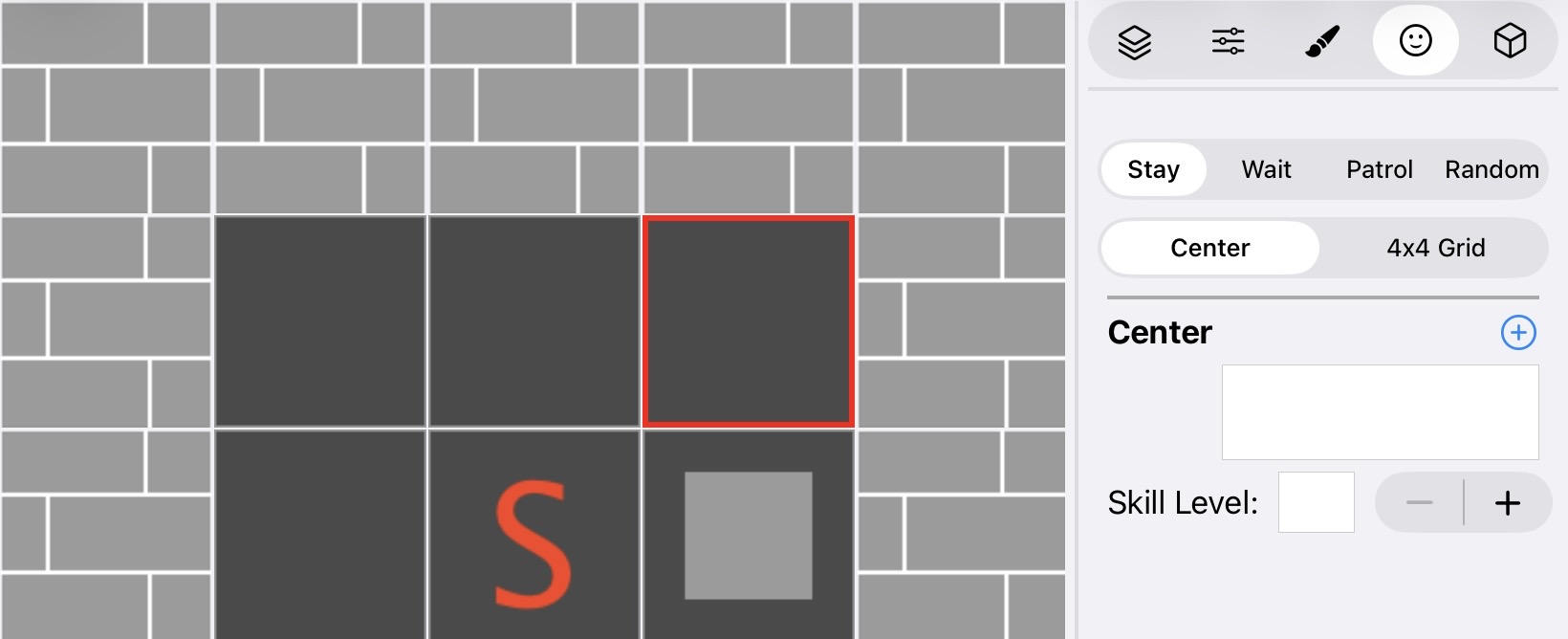
You can choose between two placement options:
- One huge monster placed in the center of the tile
- Up to four small monsters placed in a 4x4 grid
Add a New Monster
 |
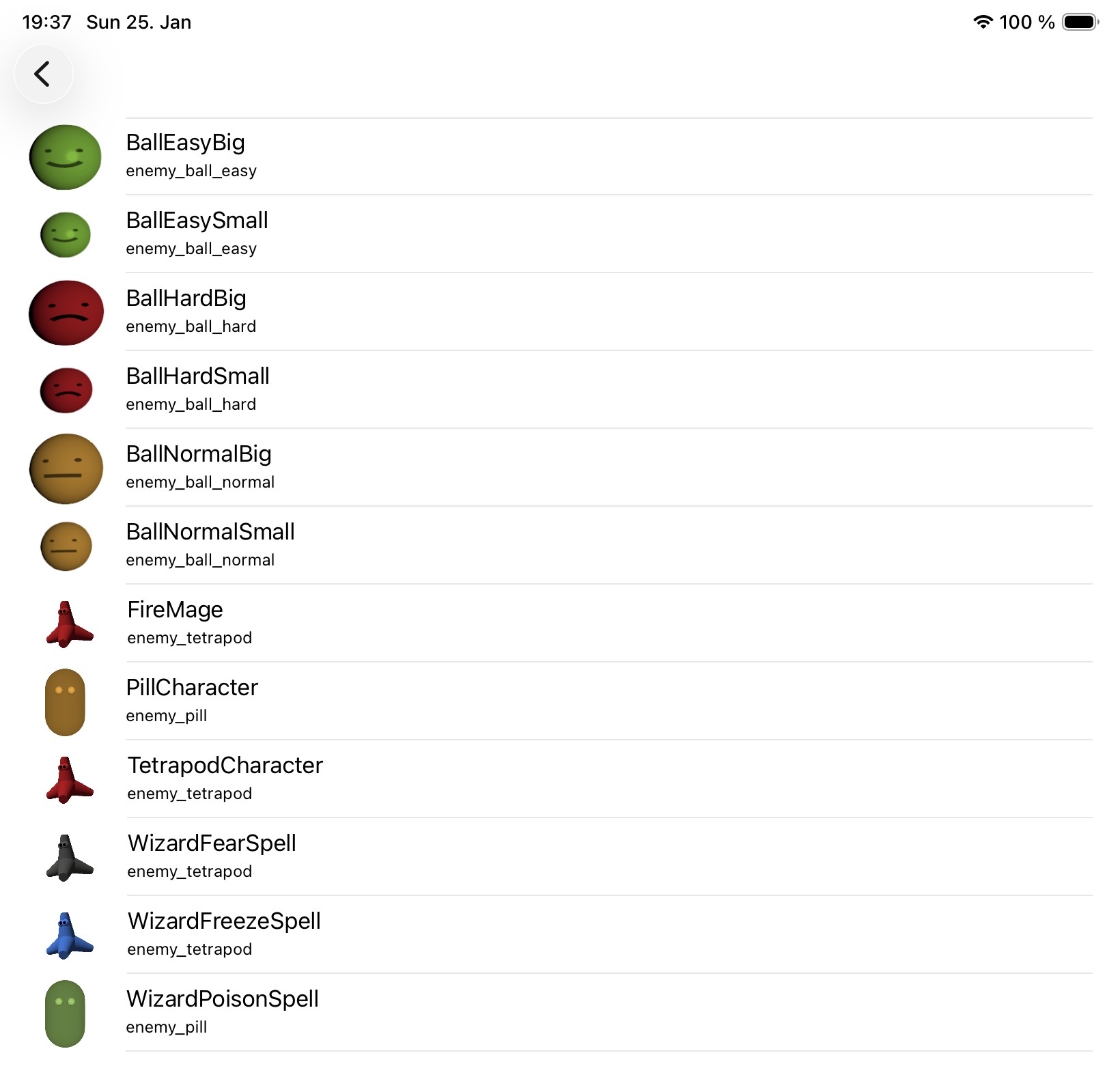 |
To add a monster to your level:
- Select a tile that allows monsters (such as empty, floor switches, closed pits, etc.)
- Click on the + button
- The monster selection dialog will open, allowing you to choose from available monsters
Monster Behaviours

Choose how your monster behaves in the dungeon:
- Stay: Remain at this position. Only attack when the party is nearer than the reaction distance.
- Wait: Wait at this position until the party is nearer than the reaction distance, then attack and chase the hero.
- Patrol: Patrol between two positions until the party is nearer than the reaction distance, then attack and chase the hero.
- Random: Move randomly through the maze until the party is nearer than the reaction distance, then attack and chase the hero.
Edit Monster Attributes, Spells, and Inventory
 |
 |
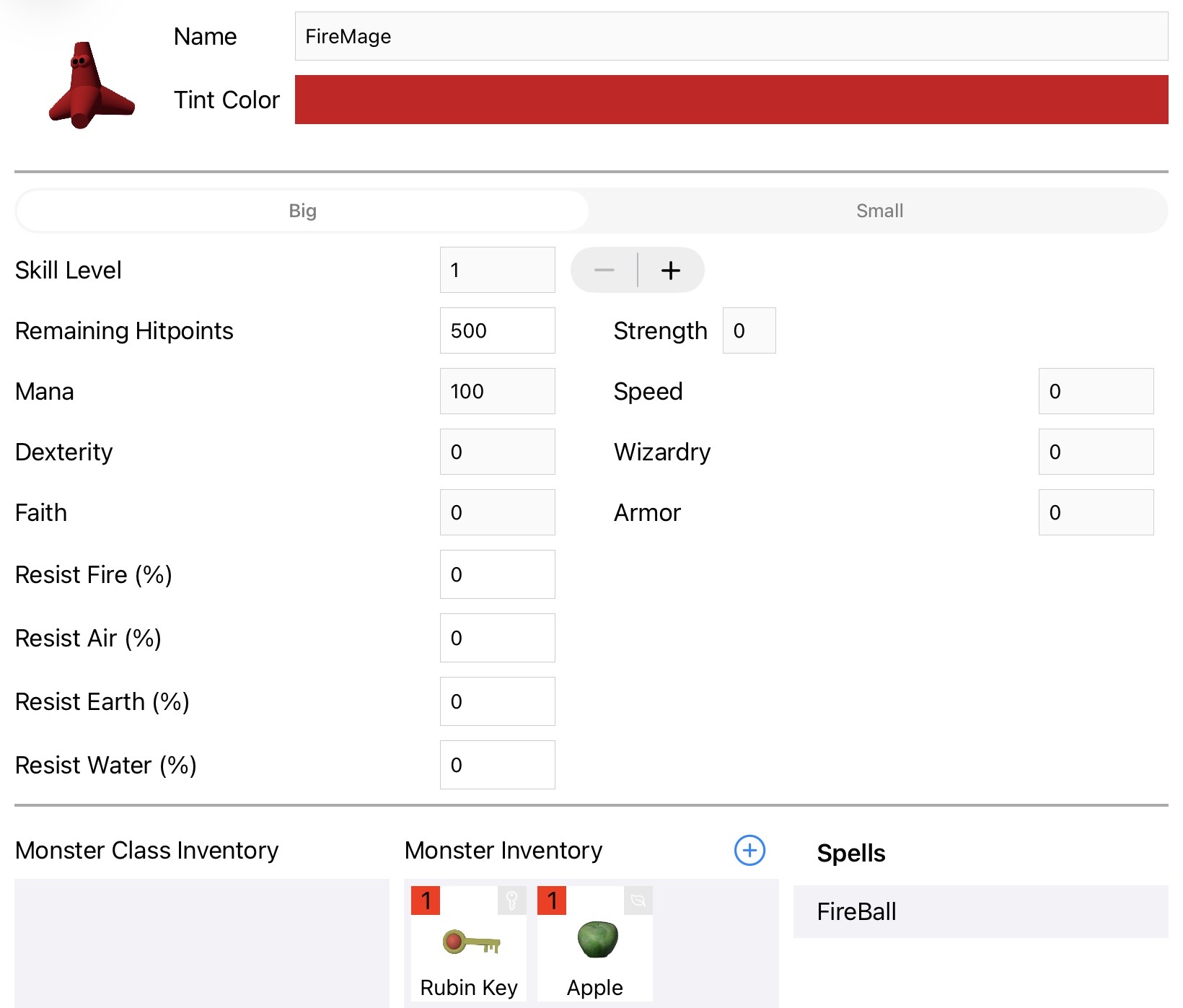
This screen displays the stats of the selected monster and allows you to customize it:
- Left panel: Shows the inventory of the monster class. These are default items that every monster of this type carries.
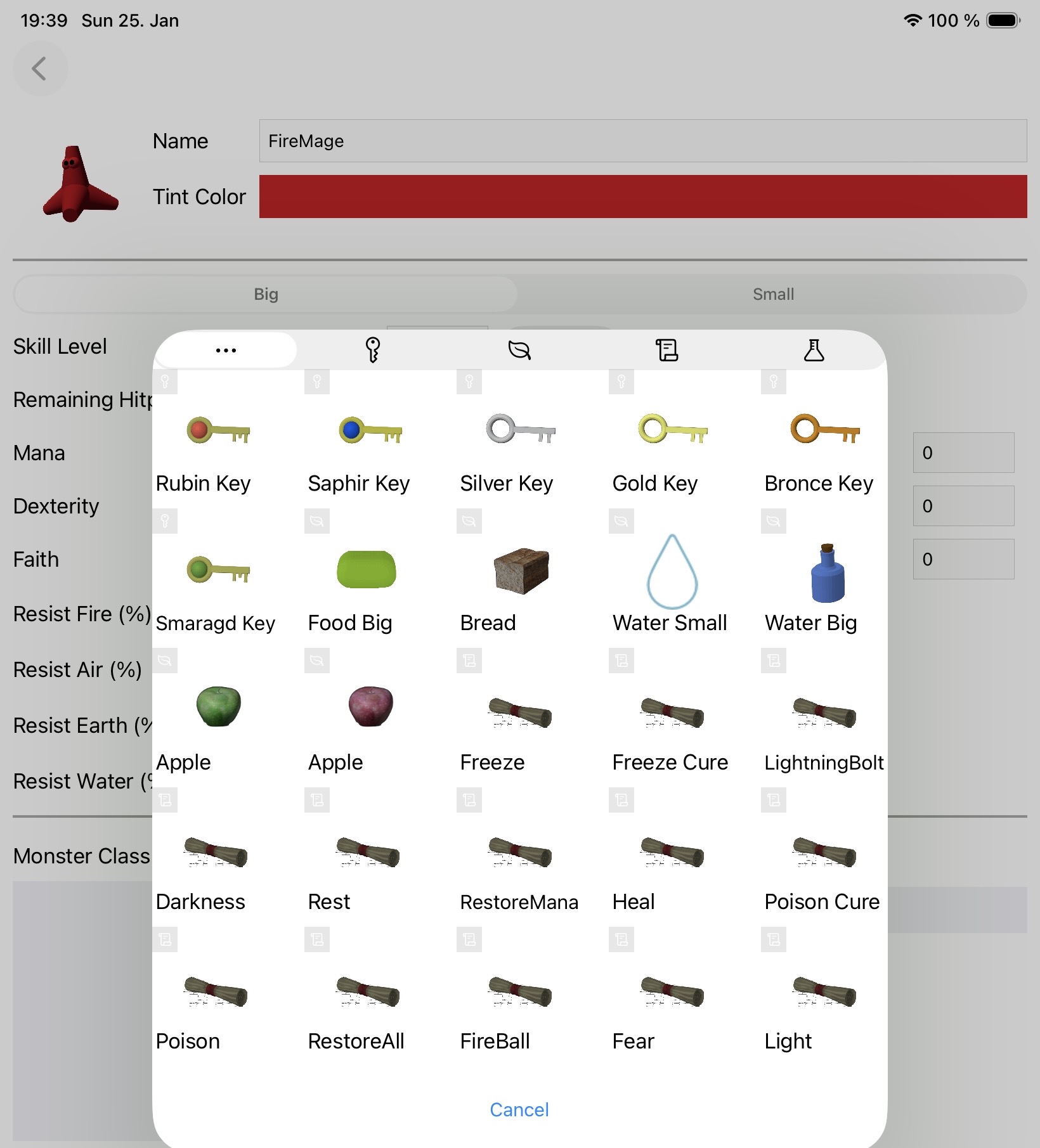
- Middle panel: Add specific game items for this individual monster instance.
- Right panel: View and manage the magic spells this monster can cast.
Monster Skill Level
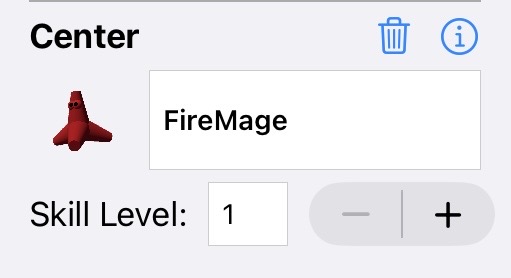
The skill level feature provides a quick way to scale monster difficulty without creating multiple monster variants. Each skill level increase provides:
- +50% Hitpoints: Makes the monster more durable in combat
- +50% Mana: Allows the monster to cast more spells
This is particularly useful for creating difficulty progression in later levels, where you can reuse the same monster types but make them significantly more challenging by simply adjusting their skill level.